
Bandwidth Hogs at Home: Understanding How Devices and Activities Consume Internet Speed

| SD video stream bandwidth | 3-5 Mbps per stream (General industry guideline) |
| 4K streaming bandwidth | 20-25 Mbps per stream (General industry guideline) |
| HD video call bandwidth | 1.5-4 Mbps per participant (General industry guideline) |
| Online gaming bandwidth | 3-10 Mbps typical (Latency sensitivity often matters more than speed) |
| Average U.S. connected devices per home | 15-25 devices (Consumer technology research estimates, early 2020s) |
| Recommended buffer above calculated need | 20-30% headroom (General network planning guidance) |
Why Bandwidth Feels Like It Disappears
Your internet connection delivers a fixed amount of bandwidth - measured in megabits per second (Mbps) - that every device in your home shares simultaneously. When several people and devices demand data at once, that pool shrinks fast. Understanding which activities consume the most can help you estimate whether your current plan is genuinely sufficient or quietly holding your household back.
For a foundational explanation of how connection speeds work, see Mbps vs. Gbps: Making Sense of Internet Speed Numbers. For broader context on the types of connections available, Home Internet Explained covers fiber, cable, DSL, and satellite in plain language.
| SD video stream bandwidth | 3-5 Mbps per stream (General industry guideline) |
| 4K streaming bandwidth | 20-25 Mbps per stream (General industry guideline) |
| HD video call bandwidth | 1.5-4 Mbps per participant (General industry guideline) |
| Online gaming bandwidth | 3-10 Mbps typical (Latency sensitivity often matters more than speed) |
| Average U.S. connected devices per home | 15-25 devices (Consumer technology research estimates, early 2020s) |
| Recommended buffer above calculated need | 20-30% headroom (General network planning guidance) |
Bandwidth Requirements by Activity and Device
Not all online activity is equal. A quick email check barely registers, while a 4K video stream can consume 25 Mbps or more on its own. Here's how common household activities generally stack up:
- Standard-definition (SD) video streaming: approximately 3-5 Mbps per stream
- High-definition (HD) video streaming (1080p): approximately 5-15 Mbps per stream
- 4K / Ultra HD streaming: approximately 20-25 Mbps per stream
- Video calling (one participant): approximately 1.5-4 Mbps for HD quality
- Online gaming: typically 3-10 Mbps download, but highly sensitive to latency rather than raw speed
- Music streaming: roughly 0.5-1.5 Mbps
- Smart home sensors and cameras: passive sensors use under 1 Mbps; HD security cameras can use 2-5 Mbps each
- Large file downloads or software updates: can temporarily saturate whatever bandwidth is available
The key insight is that these demands are additive. Three people simultaneously streaming HD video, joining a video call, and gaming online could easily require 40-60 Mbps or more - before accounting for background updates, smart speakers, or connected appliances.
Bandwidth
The maximum rate at which data can travel over an internet connection, measured in megabits per second (Mbps) or gigabits per second (Gbps). More bandwidth means more data can move simultaneously.
Latency
The time it takes for a data packet to travel from your device to a server and back, measured in milliseconds. Low latency is critical for gaming and video calls, independent of raw speed.
Data cap
A monthly limit on total data consumption set by some internet service providers. Exceeding it can result in overage charges or temporary speed throttling.
Background data usage
Bandwidth consumed by devices and apps running processes automatically - such as software updates, cloud backups, and app syncing - without the user actively initiating them.
Upload vs. download speed
Download speed measures how fast data comes into your home; upload speed measures how fast data leaves. Most residential plans offer significantly higher download than upload speeds.
How to Estimate Your Household's Real Need
A rough but practical method: list every device likely to be active during your household's peak hour (often weekday evenings), note its typical activity, and add up the Mbps estimates. Build in a 20-30% buffer for unexpected spikes, background processes, and multiple simultaneous streams on one device.
A family of four with two people streaming 4K, one on a video call, one gaming, two smart TVs on standby, and several smart home devices could realistically need 80-100 Mbps of sustained download capacity. Upload demands matter too - video calls and file sharing require meaningful upload bandwidth, which many plans underdeliver. See Download Speed vs. Upload Speed for a detailed breakdown of that asymmetry.
If slowdowns happen consistently at the same times of day, the bottleneck may be inside your home rather than your plan. Why Your Home Wi-Fi Slows Down explains how router placement, device interference, and network congestion often reduce speeds before data ever reaches your devices.
Advertised Speed Is Not Guaranteed Speed
The speed listed on your internet plan is a maximum under ideal conditions - not a promise of consistent throughput. Network congestion, router limitations, and the quality of in-home wiring can all reduce real-world speeds. For guidance on the gap between marketed and actual speeds, see Internet Plan Labels That Mislead. Running a wired speed test during peak hours gives the most realistic picture of what your connection actually delivers.
The Quiet Drain: Background and Always-On Devices
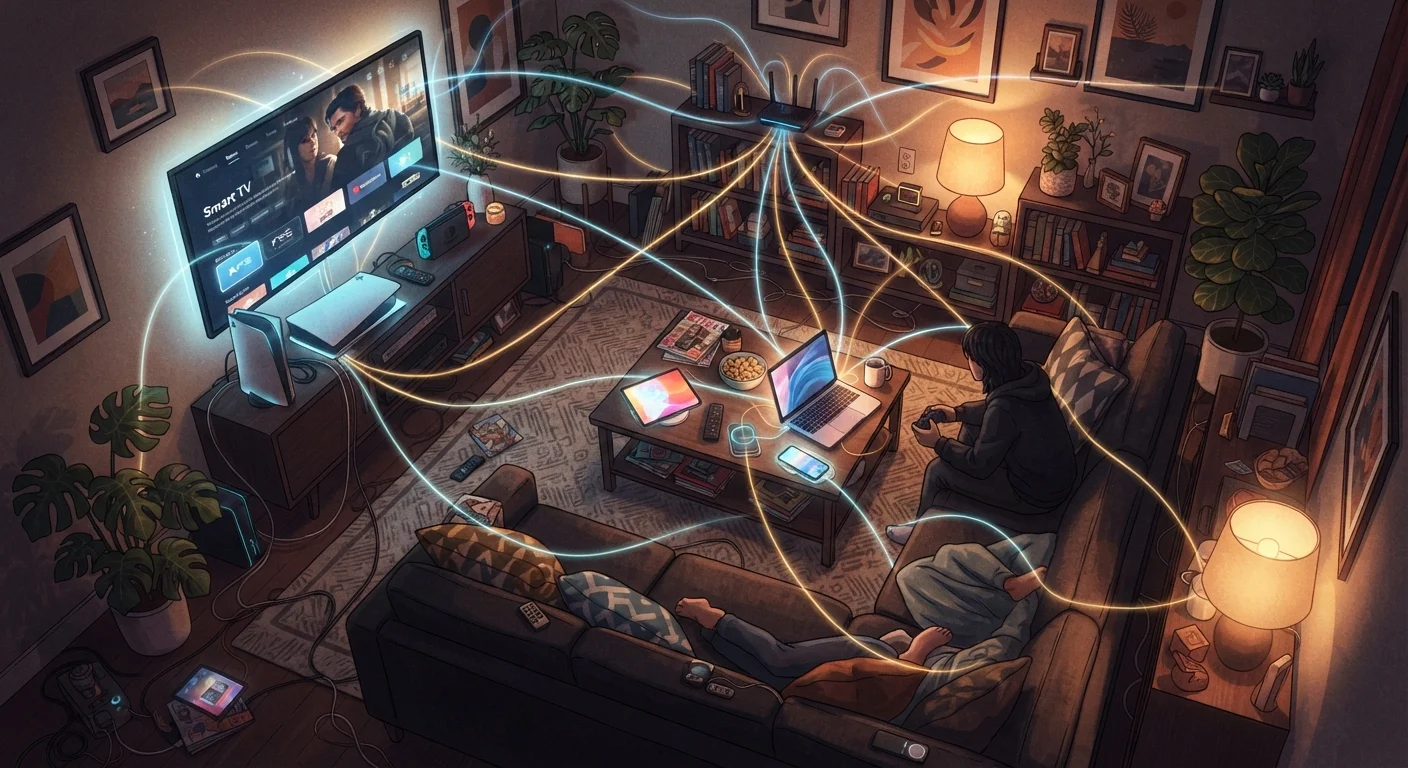
Many devices consume bandwidth even when you're not actively using them. Smartphones back up photos and sync apps overnight. Smart TVs download guide data. Gaming consoles install multi-gigabyte updates in the background. Security cameras stream continuously to cloud storage. While each draws a modest amount individually, a home with 15-25 connected devices - now common in the U.S. - accumulates background consumption that adds measurable load throughout the day.
Smart home devices like thermostats, doorbells, and voice assistants each use relatively little bandwidth in isolation, but their combined idle traffic can surprise households on lower-tier plans. For a fuller look at what constant connectivity costs in terms of privacy and power as well as bandwidth, see The Tradeoffs of Always-On Devices.
If your plan includes a monthly data cap, background usage can push you toward overage charges more quickly than active streaming. The True Cost of Home Internet Beyond the Monthly Rate explains how those overage fees factor into your real monthly cost.