
Home Internet Explained: Connection Types, Speeds, and What They Mean for You

Key Takeaways
- Fiber delivers the fastest, most consistent speeds but isn't available everywhere in the U.S.
- Cable internet is the most widely available high-speed option, though speeds can vary at peak hours.
- DSL uses existing phone lines and is slower but often the only wired option in less dense areas.
- Satellite internet reaches remote locations but typically has higher latency and data limits.
- Advertised speeds are maximums - real-world performance depends on your connection type and household usage.
- Your equipment - modem, router, or gateway - plays a meaningful role in the speeds you actually experience.
Start here
The Main Types of Home Internet Connections
Next
What Internet Speed Numbers Actually Mean
Then
How Much Speed Does Your Household Need?
When you're ready
Availability: Not Every Option Is on Every Block
Finally
The Equipment Behind Your Connection
The Main Types of Home Internet Connections
Home internet arrives through several distinct technologies, each with different infrastructure, performance characteristics, and geographic reach. Knowing what you have - or what's available - is the first step toward choosing the right plan.
Bandwidth
The maximum amount of data that can travel through your connection at once, typically measured in Mbps or Gbps. Higher bandwidth supports more simultaneous users and activities.
Latency
The time it takes for a data signal to travel from your device to a server and back, measured in milliseconds. Lower latency means faster, more responsive communication.
Symmetrical speeds
When your upload and download speeds are equal. Fiber connections often offer this; cable and DSL typically provide much faster downloads than uploads.
ISP (Internet Service Provider)
The company that provides your home internet connection - such as a local cable company, phone company, or satellite operator.
Data cap
A monthly limit on how much data you can use before your speeds are throttled or additional charges apply. Common with satellite plans, less so with fiber and cable.
Mbps / Gbps
Megabits per second and gigabits per second - the standard units for measuring internet speed. One Gbps equals 1,000 Mbps.
- Fiber optic
- Data travels as light through thin glass cables. Fiber delivers some of the fastest and most symmetrical speeds available - meaning upload speeds match download speeds - and maintains consistent performance even during peak hours. It's the gold standard, but infrastructure buildout means it remains unavailable in many parts of the U.S.
- Cable
- Uses the same coaxial cable lines originally built for television. Cable is the most broadly available high-speed option and can reach hundreds of megabits per second. Because lines are shared among nearby homes, speeds can slow during evenings when demand spikes.
- DSL (Digital Subscriber Line)
- Runs over traditional copper telephone lines. DSL is widely available in suburban and some rural areas where cable hasn't been deployed, but top speeds are considerably lower. Performance also degrades the farther a home sits from the provider's central switching facility.
- Satellite
- Signals bounce between your home dish and an orbiting satellite. Older geostationary systems suffered from high latency (600+ milliseconds), but newer low-earth-orbit networks have reduced that considerably. Satellite reaches locations where no wired option exists but can come with data limits and weather-related disruptions.
- Fixed wireless
- A receiver mounted on your home picks up a radio signal from a nearby tower. It's a practical middle ground in areas without cable or fiber. See how fixed wireless compares to DSL for a closer look at both options.
What Internet Speed Numbers Actually Mean
Internet plans are marketed with speed figures in Mbps (megabits per second) or Gbps (gigabits per second). These numbers represent the maximum rate at which data can flow - not a guaranteed constant.
Download speed is how fast data comes to your device: loading a webpage, streaming a video, or receiving an email attachment. Upload speed is the reverse - sending video in a call, uploading a file to cloud storage, or livestreaming. Cable and DSL plans typically offer upload speeds much lower than download speeds. Fiber plans more commonly offer symmetrical or near-symmetrical speeds.
Latency is a separate but equally important measure. Even on a fast connection, high latency causes perceivable delays in real-time activities like video calls and gaming. It's measured in milliseconds (ms) - lower is better. Wired connections (fiber, cable, DSL) generally achieve latency under 30 ms; legacy satellite can exceed 600 ms.
Test Your Speed at Different Times
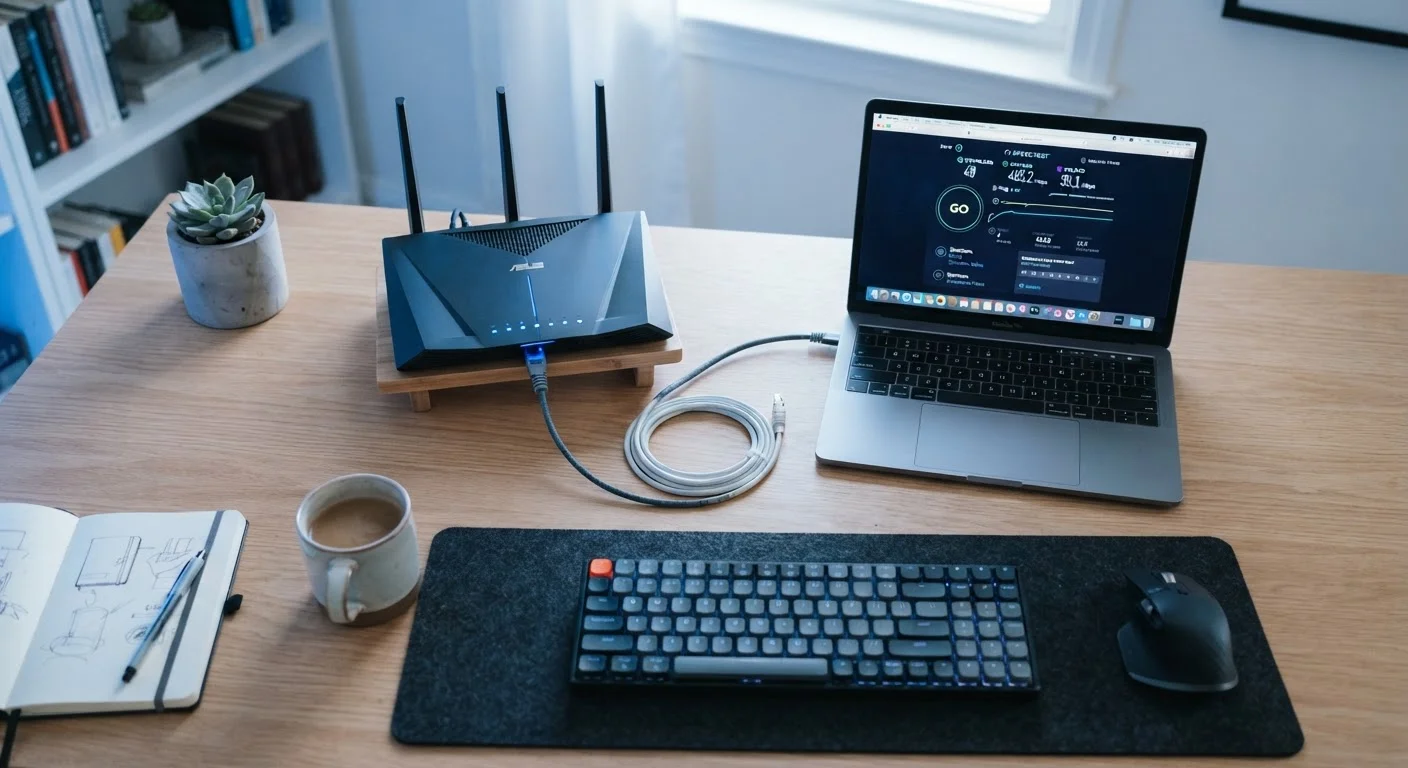
Run a speed test in the morning, midday, and evening to see how your connection performs across different load conditions. Many providers show slower real-world speeds during peak evening hours, especially on cable networks. Free tools like the FCC's Measuring Broadband America test or your browser's built-in options make this easy.
Advertised speeds are ceilings, not floors. Network congestion, the age and quality of the lines serving your home, and the load on the provider's local infrastructure all affect real-world performance. Running a speed test at different times of day gives a more accurate picture than any plan's marketing number.
How Much Speed Does Your Household Need?
There's no universal answer - it depends on how many people use the connection simultaneously and what they're doing. A household of two adults who primarily browse and stream will have very different needs than a home with four people video conferencing, gaming, and running smart home devices at once.
General reference points from the FCC and industry sources:
- Basic browsing and email: 1-5 Mbps per user
- HD video streaming: 5-8 Mbps per stream
- 4K streaming: 15-25 Mbps per stream
- Video conferencing: 3-8 Mbps upload per participant
- Online gaming: 3-6 Mbps, but low latency matters more than raw speed
Add those demands together for simultaneous users to get a realistic household baseline. For most multi-person households with several active devices, plans of 100 Mbps or more provide comfortable headroom. To dig deeper into how specific devices and activities affect your total bandwidth, see how devices and activities consume internet speed.
Availability: Not Every Option Is on Every Block
The type of internet you can get is often dictated by where you live more than by preference. Urban and dense suburban areas tend to have multiple providers offering cable and increasingly fiber. Rural and remote areas may have DSL, fixed wireless, or satellite as their only realistic options.
The FCC's National Broadband Map (broadbandmap.fcc.gov) lets you search by address to see which technologies and providers have reported serving your location. Keep in mind that reported coverage doesn't always match actual availability - it's worth verifying directly with any provider before committing.
If you live in a rural area, the reality of your options may be narrower than urban consumers experience. Internet options in rural areas covers what to expect and how to compare what's accessible to you.
The Equipment Behind Your Connection
Your internet plan delivers a signal to your home, but the equipment inside determines how well that signal is distributed. Three devices are most commonly involved: a modem, a router, and sometimes a combined gateway that handles both functions in one unit.
The modem connects your home to the provider's network. The router takes that connection and distributes it - wirelessly via Wi-Fi or through ethernet cables - to your devices. An outdated router running an older Wi-Fi standard (such as Wi-Fi 4/802.11n) can limit what your devices receive even if the plan is fast. Upgrading to Wi-Fi 6 or newer hardware can meaningfully improve performance in homes with many connected devices.
Providers often rent equipment to customers. Purchasing your own compatible modem and router can reduce monthly costs over time, though it requires ensuring compatibility with your provider and connection type. For a full breakdown of how these devices work together, see what each device does in your home network.