
Download Speed vs. Upload Speed: Why the Difference Matters More Than You Think

Key Takeaways
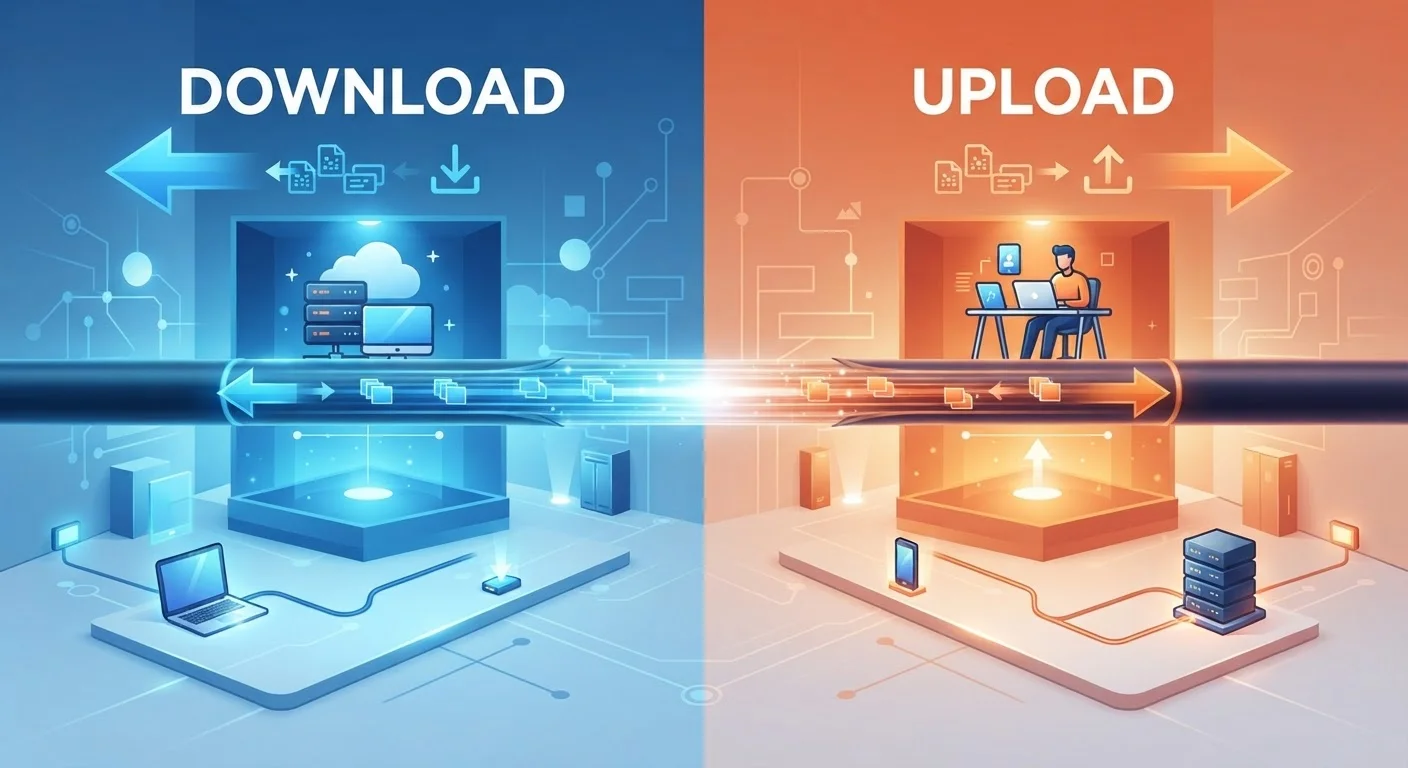
- Download speed governs how fast data arrives at your device; upload speed governs how fast your device sends data out.
- Most cable and DSL plans allocate far more bandwidth to download than upload, a design called asymmetric speed.
- Video calls, live streaming, cloud backups, and remote desktop tools all depend heavily on upload speed.
- Fiber connections often provide symmetric or near-symmetric speeds, making them better suited for upload-heavy households.
- A plan's advertised speed almost always refers to download - always ask providers for the upload figure separately.
Option A
Download Speed
The dominant metric most plans are built around.
Best for: Households that primarily stream video, browse the web, and consume online content.
Option B
Upload Speed
The underrated half that modern remote and creative workflows depend on.
Best for: Remote workers, video callers, content creators, and anyone sharing large files regularly.
If your household mainly streams, browses, and games online
Download Speed
These activities pull data from servers to your device, so a high download speed is the primary factor in a smooth experience.
If you work from home using video conferencing or remote desktop tools
Upload Speed
Video calls and remote access sessions transmit a constant stream of data outward, and low upload speeds cause lag, pixelation, and dropped connections.
If you regularly back up files to the cloud or share large media files
Upload Speed
Uploading large files to cloud storage or transferring video projects is entirely constrained by your upload capacity, not download.
If you live-stream gameplay, tutorials, or video content to an audience
Upload Speed
Live streaming is one of the most upload-intensive residential use cases; consistent, high upload bandwidth is essential to avoid dropped frames.
If your entire household is upgrading to a new internet plan
Download Speed
For most mixed-use households, download capacity affects the largest share of daily activities, though checking upload specs is still worthwhile before signing.
What Download and Upload Speed Actually Measure
Every piece of data traveling across your internet connection moves in one of two directions. Download speed measures how quickly data travels from the internet to your device - loading a webpage, streaming a movie, or receiving an email attachment. Upload speed measures the reverse: how fast your device sends data out to the internet - joining a video call, posting a photo, or syncing files to a cloud server.
Both are measured in megabits per second (Mbps) or gigabits per second (Gbps). If those units are unfamiliar, the Mbps vs. Gbps explainer breaks down what these numbers translate to in practical terms. The key point here: a plan advertised as "200 Mbps" almost certainly refers to download speed only. Upload speeds on the same plan may be a fraction of that figure.
| Criterion | Download Speed | Upload Speed |
|---|---|---|
| Direction of data flow | Internet → your device | Your device → internet |
| Primary use cases | Streaming, browsing, gaming, email | Video calls, cloud backup, live streaming |
| Typical cable plan allocation | 100-500 Mbps common | 10-30 Mbps common |
| Fiber plan allocation | Often symmetric (equal to upload) | Often symmetric (equal to download) |
| Impact when constrained | Slow page loads, buffering video | Pixelated calls, failed backups, lag |
| Advertised on plan labels | Almost always | Rarely - must ask provider |
Why Most Plans Are Asymmetric - and Who Designed It That Way
The technical term for a plan where download and upload speeds differ significantly is asymmetric broadband. Cable internet, which still serves the largest share of American broadband subscribers, was engineered this way deliberately. Cable infrastructure allocates more of its frequency spectrum to downstream (download) channels because, historically, most residential users consumed far more content than they created.
DSL connections follow the same logic - in fact, the "A" in ADSL stands for "asymmetric." Satellite plans, including newer low-earth-orbit services, also tend to favor download. The practical consequence is that a cable subscriber might receive 300 Mbps down but only 20-30 Mbps up. That gap is largely invisible for casual use, but it becomes painfully apparent in upload-heavy situations.
Fiber-optic connections are the notable exception. Because fiber uses light pulses through glass strands rather than electrical signals through coaxial cable, it doesn't have the same spectral constraints. Many fiber plans offer symmetric speeds - identical upload and download - making them structurally better suited for modern two-way workflows. The fiber vs. cable comparison explains these infrastructure differences in detail.
~10:1
Typical cable download-to-upload ratio
Industry analysis of major U.S. cable broadband plans consistently shows download allocations that are roughly 10 times greater than upload allocations.
3-5 Mbps
Minimum upload per video call
Major video conferencing platforms generally recommend at least 3-5 Mbps of stable upload speed for HD quality on a single active call.
6-10 Mbps
Upload needed for 1080p live streaming
Streaming platform documentation and encoder guidelines typically cite 6-10 Mbps upstream as a baseline for stable 1080p broadcast output.
When Upload Speed Becomes the Bottleneck
For a household that streams video and scrolls social media, a modest upload allocation causes no noticeable problems. But several common activities are fundamentally upload-constrained:
- Video conferencing: Platforms like Zoom and Teams continuously transmit your audio and video feed outward. A sustained upload of at least 3-5 Mbps per active call is generally recommended, and quality degrades noticeably when upload capacity is squeezed.
- Live streaming: Broadcasting gameplay or tutorials to a platform requires a stable, high upload stream - often 6-10 Mbps or more depending on resolution. Upload instability causes buffering and dropped frames for viewers.
- Cloud backup and file syncing: Services that continuously sync documents, photos, or project files in the background compete directly with other upload-dependent tasks.
- Remote desktop access: Sending screen updates and inputs from a home machine to a work server is an upload function, and limited upload bandwidth produces sluggish, frustrating sessions.
To understand how multiple devices and activities share available bandwidth simultaneously, the bandwidth consumption breakdown is a useful reference.
How to Evaluate Your Plan's Upload Capacity
The first step is simply to find out what your current upload speed actually is. Run a speed test - several free, browser-based tools are widely available - and note both figures. The upload result may surprise you. If it does, consider whether your upload-heavy activities align with what the plan delivers.
When shopping for a new plan, ask the provider directly for the upload speed specification before committing. The advertised headline figure will nearly always be the download number. Providers are not always forthcoming with upload specs upfront, but you are entitled to ask. The guide to decoding advertised speeds covers how to read plan labels critically.
If your current upload speeds are genuinely insufficient for your workflow, your practical options are: upgrading to a higher-tier plan on the same technology, switching to a provider with better upload allocations, or - where available - choosing fiber, which structurally offers stronger upload performance. For a broader look at how connection types differ, see the home internet connection types overview.