

Key Takeaways
- Bluetooth, Wi-Fi, and NFC each operate at different ranges, speeds, and power levels suited to distinct tasks.
- Wi-Fi delivers the highest data throughput; Bluetooth balances range and low power; NFC prioritizes instant, close-range contact.
- Most modern smartphones include all three, often running simultaneously without interference.
- Choosing the right technology is usually automatic - but understanding each helps you troubleshoot and optimize your devices.
Our Verdict
Bluetooth, Wi-Fi, and NFC are complementary rather than competing technologies. Each fills a role the others handle poorly: Wi-Fi for high-speed data, Bluetooth for sustained low-power device pairing, and NFC for frictionless tap-to-connect moments. Your devices already choose between them automatically - knowing why helps you get more from every connection.
| Best for | Recommended |
|---|---|
| Streaming audio and connecting peripherals over several feet | Bluetooth |
| High-speed internet access, file transfers, and video streaming | Wi-Fi |
| Contactless payments, device pairing initiation, and access cards | NFC |
| General home networking and multi-device households | Wi-Fi |
Three Wireless Systems, Three Different Jobs
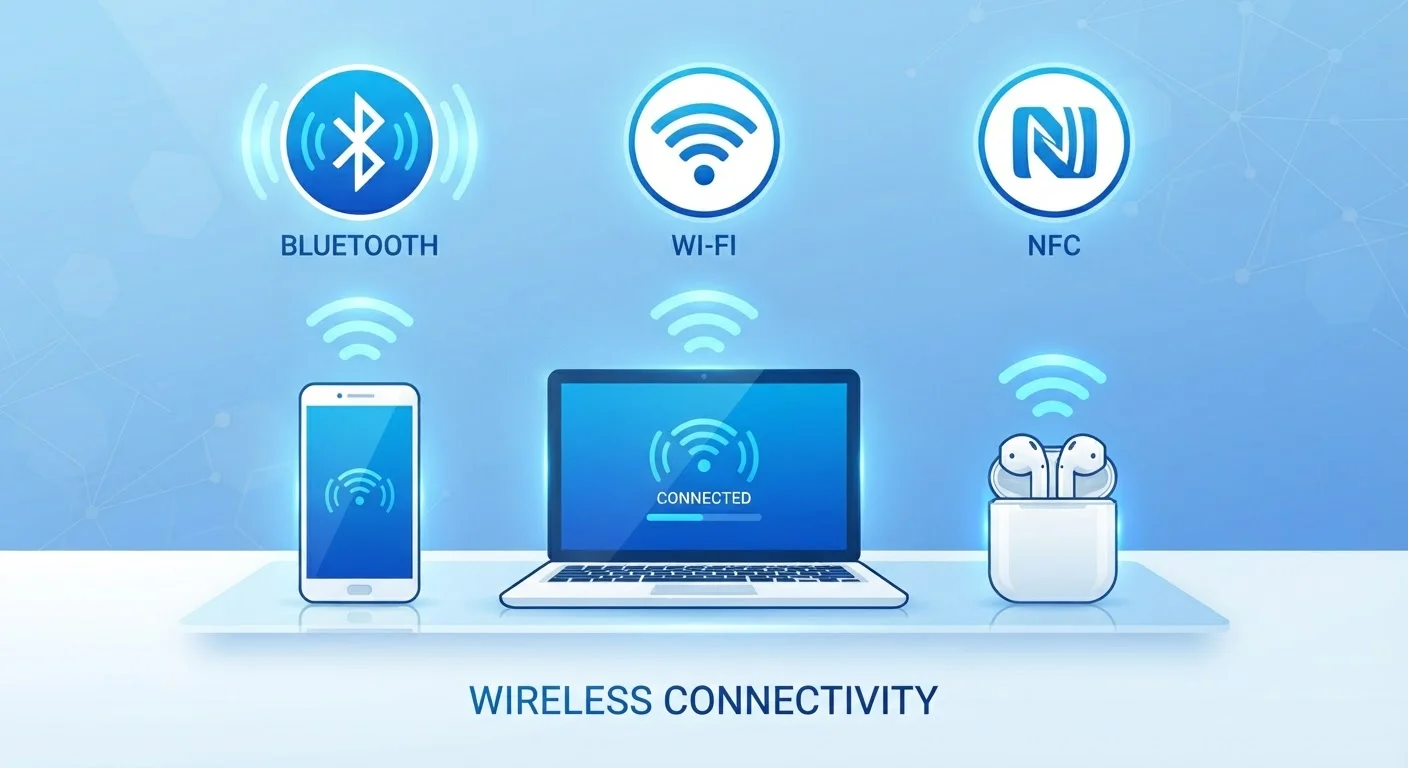
Your smartphone, laptop, and smart speaker all rely on short-range wireless communication - but not always the same kind. Bluetooth, Wi-Fi, and NFC (Near Field Communication) are three distinct technologies that happen to coexist in most modern devices. They're not interchangeable; each was designed to solve a specific problem.
Wi-Fi connects devices to networks for high-speed data transfer. Bluetooth links devices directly to each other - headphones to a phone, a keyboard to a laptop - with minimal power draw. NFC enables an almost-contact exchange of small amounts of data, making it ideal for tap-to-pay and quick pairing. Understanding the tradeoffs between them makes everyday tech decisions less confusing. If you've ever wondered why your earbuds use Bluetooth but your phone uses Wi-Fi for the internet, this breakdown explains it. For a broader look at how internet connections themselves work, see our guide to home internet connection types.
How Each Technology Works
Bluetooth operates on the 2.4 GHz radio frequency band and uses a technique called frequency hopping - it rapidly switches between dozens of channels to minimize interference. Standard Bluetooth covers roughly 30 feet (10 meters) in typical consumer use, though Bluetooth 5.0 and later versions can extend that significantly under ideal conditions. Its low power consumption makes it well suited to battery-powered devices like wireless earbuds and fitness trackers. To understand how Bluetooth earbuds compare to wired options in practice, see our piece on wireless earbuds vs. wired headphones.
Wi-Fi uses either the 2.4 GHz or 5 GHz bands (and the newer 6 GHz band in Wi-Fi 6E) to connect devices to a local network router, which then connects to the broader internet. It supports far higher data rates than Bluetooth - modern Wi-Fi standards can theoretically handle several gigabits per second - and covers a much larger area, often an entire home or office building.
NFC works at an extremely short range - typically 4 centimeters or less - using electromagnetic induction rather than radio waves in the conventional sense. It requires almost no setup and activates the moment two NFC-capable surfaces are brought together. The tradeoff is bandwidth: NFC transfers data at a maximum of around 424 kilobits per second, which is sufficient for payment tokens and device pairing codes but not file transfers.
| Bluetooth | Wi-Fi | NFC | |
|---|---|---|---|
| Typical range | ~30 ft (10 m) | Up to ~300 ft (90 m) | ~4 cm or less |
| Max data speed | ~3 Mbps (classic); 50 Mbps (BT 5) | Hundreds of Mbps to Gbps | ~424 Kbps |
| Power consumption | Low | Moderate to high | Very low (passive tags use none) |
| Primary use cases | Audio, peripherals, wearables | Internet access, streaming, smart home | Payments, quick pairing, access cards |
| Connection setup time | Seconds (pair once) | Seconds (auto-reconnect) | Instant (tap) |
| Requires router/hub | No | Yes | No |
Where Each Technology Fits in Daily Life
Bluetooth's sweet spot is sustained, low-power device-to-device connections: streaming audio to speakers or earbuds, syncing wearables, connecting wireless mice and keyboards, and relaying data from health sensors to a phone. Its persistence and energy efficiency make it practical for devices that run on small batteries for hours or days.
Wi-Fi is the right tool whenever you need real data throughput - video calls, music streaming from the cloud, software updates, or browsing. It's also the backbone of smart home devices that need to stay continuously connected. Wi-Fi calling is another practical application, routing phone calls through a Wi-Fi network when cellular signals are weak.
NFC excels in scenarios where speed of initiation matters more than data volume. Mobile payments (like tap-to-pay at a checkout terminal), transit cards, hotel key fobs, and quick Bluetooth pairing all rely on NFC. Some devices also use NFC tags - small, passive chips embedded in stickers or cards - that trigger actions on a smartphone when tapped, like opening an app or connecting to a specific Wi-Fi network.
Use NFC to Jumpstart Bluetooth Pairing
Many Bluetooth speakers and headphones include an NFC tag that initiates pairing automatically when you tap your phone to them. This combines NFC's instant handshake with Bluetooth's sustained audio connection - you get the convenience of both in one action. Check your device's manual to see if this feature is supported.
Interference, Coexistence, and Security Basics
Because Bluetooth and Wi-Fi both use the 2.4 GHz band, they can interfere with each other - though modern devices manage this automatically through timing and channel coordination. If you notice audio dropouts on Bluetooth headphones while your laptop is downloading a large file over 2.4 GHz Wi-Fi, switching your router to the 5 GHz band often resolves it.
NFC's extremely limited range is itself a security feature - an attacker would need to be physically within centimeters to intercept a transaction. That said, NFC payment data is tokenized, meaning the actual card number isn't transmitted. Bluetooth has had documented vulnerabilities over the years, and keeping devices updated with current firmware helps close those gaps. Wi-Fi security depends heavily on the protocol in use: WPA3 is the current standard, and using it on your home network is advisable.
For a broader picture of how wireless terminology shows up in everyday consumer decisions, our carrier jargon explainer covers related concepts in plain language. And if you're curious how 5G fits into the larger wireless picture beyond short-range tech, see what 5G actually is.
5 billion+
Bluetooth-enabled devices shipped annually
According to the Bluetooth Special Interest Group, annual Bluetooth device shipments have exceeded five billion units in recent years.
4 cm
Maximum practical NFC range
The NFC Forum specifies that NFC devices operate within approximately 4 centimeters, which also serves as a key security characteristic.