

Key Takeaways
- A router separates your home network from the internet and manages traffic between them.
- Every device in your home gets its own local IP address assigned by the router.
- Your router's performance affects speed and reliability, independent of your internet plan.
- Wi-Fi signal strength drops with distance, walls, and interference from other devices.
- Routers provide a basic layer of security by shielding your devices from direct internet exposure.
Home Router
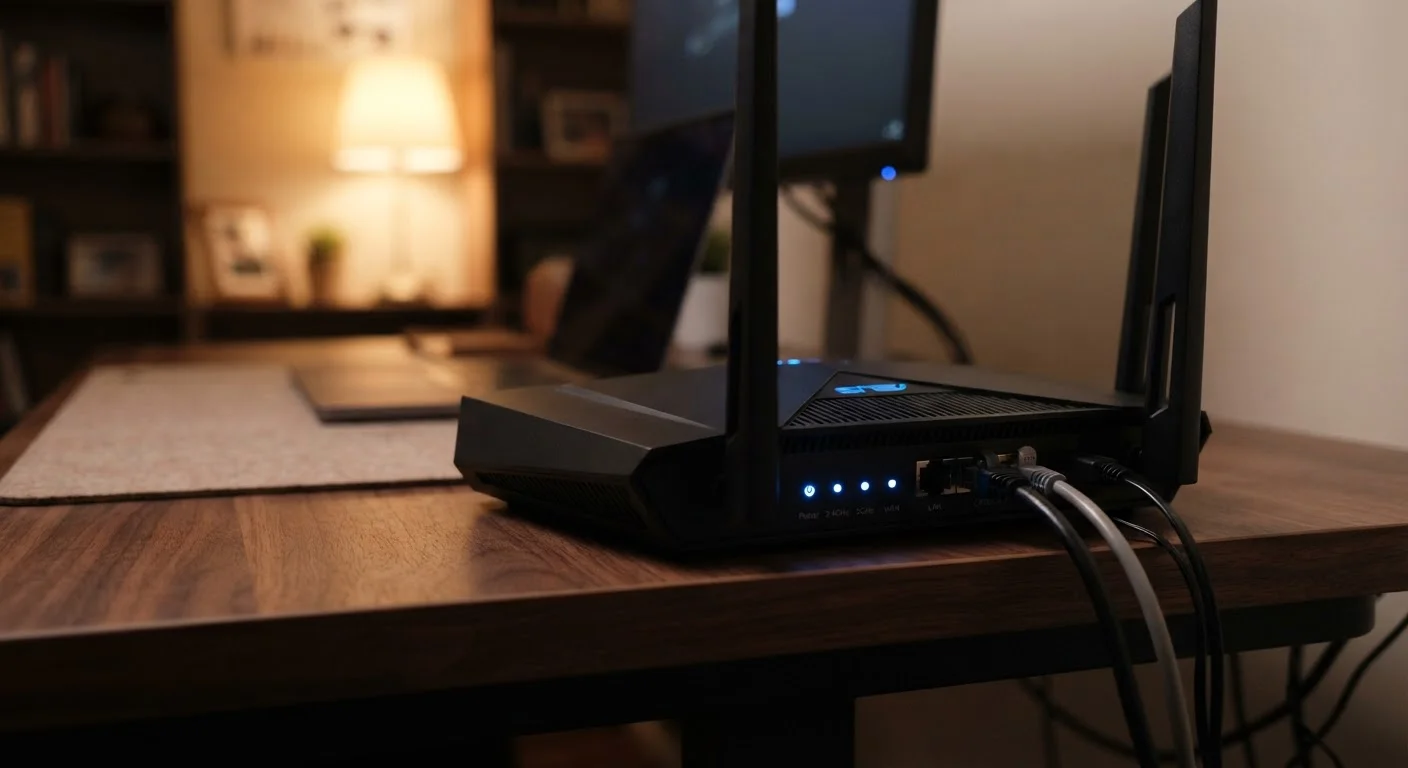
A router is a device that receives the internet connection coming into your home and distributes it to all of your devices - phones, laptops, smart TVs, and more. It acts as a traffic manager, directing data to the right device at the right time. Without it, only one device at a time could connect to the internet.
Routers operate at Layer 3 of the OSI network model, using IP addresses to forward data packets between your local network and the wider internet via Network Address Translation (NAT).
The Router's Core Job: Traffic Direction
Think of the internet as a highway and your home network as a private parking lot. Your router sits at the entrance, deciding which cars go where and making sure each one reaches the right spot. Every time you load a website, stream a video, or send a message, your device sends a request outward and expects a response back - the router manages every leg of that exchange.
Data doesn't travel in one continuous stream. It moves in small units called packets. When you load a webpage, it arrives as thousands of individual packets that your router reassembles in the correct order and delivers to the requesting device. This happens in milliseconds, continuously, for every device on your network simultaneously.
To keep traffic sorted, your router assigns each device a unique local IP address - a numerical label like 192.168.1.5. When data comes back from the internet addressed to your home, the router checks which device originally made the request and forwards the packets there. This system is called Network Address Translation (NAT), and it's what allows dozens of devices to share a single internet connection without confusion.
~10 billion
Wi-Fi enabled devices in use globally
The Wi-Fi Alliance has estimated that billions of Wi-Fi devices are in active use worldwide, reflecting how central router-based networks are to modern connectivity.
25+ devices
Average connected devices per U.S. household
Industry research has found that the number of connected devices per American home has grown steadily as smart home gadgets, streaming devices, and personal electronics multiply.
Wi-Fi 6 (802.11ax)
Current mainstream Wi-Fi standard
Wi-Fi 6 offers significantly improved performance in dense device environments compared to its predecessors, and is now common in routers sold or issued by ISPs.
How Your Router Broadcasts Wi-Fi
Most routers today are also wireless access points, meaning they broadcast a Wi-Fi signal that devices connect to without a physical cable. The router converts the incoming internet signal into radio waves, transmits them through antennas, and then listens for responses from your devices in return.
Wi-Fi signal is affected by three main factors: distance, physical obstacles (walls, floors, appliances), and interference from neighboring networks or electronics operating on the same radio frequency. This is why a router placed in a central location tends to provide more even coverage than one tucked in a corner or a closet.
Modern routers commonly transmit on two frequency bands. The 2.4 GHz band covers more ground but carries less data per second. The 5 GHz band is faster but loses strength over distance more quickly. Dual-band routers broadcast both, and devices automatically connect to the band that suits their location and speed needs.
For homes where Wi-Fi dead zones are a persistent problem, a mesh network system uses multiple access points placed around the home that all communicate with each other, extending seamless coverage rather than just boosting a single signal.
What the Router Means for Your Real-World Speed
Your internet plan sets a ceiling on speed - the maximum your connection can deliver. Your router determines how close to that ceiling you actually get. An outdated router using an older Wi-Fi standard may not be able to pass through the full speeds your plan provides, especially over Wi-Fi.
Router performance matters most when multiple devices are active at once. A router with more processing power and better Quality of Service (QoS) settings can prioritize bandwidth-sensitive tasks - like video calls - over less time-critical ones, like background software updates. Without that management, all devices compete equally, and time-sensitive applications can suffer.
Placement Makes a Measurable Difference
Position your router in a central, elevated, open location - not inside a cabinet or behind a TV. Physical obstacles absorb Wi-Fi signal, and a central placement shortens the distance to devices throughout the home. This single change can noticeably improve coverage without any equipment upgrade.
It's also worth understanding that the speed you experience isn't just about your router or your plan - it involves the path data takes across the internet to reach the server you're connecting to. For a fuller picture of why advertised speeds rarely match real-world results, see how internet plan speeds can mislead.
Your Router as a Security Gatekeeper
One function of a router that rarely gets attention is its role as a basic security barrier. Because your router uses NAT, your individual devices don't have direct addresses visible to the public internet. Unsolicited connection attempts from outside - automated scans, probes - hit the router's address and get dropped before they ever reach your laptop or phone.
Most routers also include a built-in firewall that filters certain types of suspicious traffic. This isn't a substitute for device-level security software, but it does add a meaningful layer of protection that you get simply by having a router in place.
Keeping your router's firmware - its internal software - updated is one of the most effective maintenance steps you can take. Router manufacturers release firmware updates to fix security vulnerabilities and improve performance. Many newer routers update automatically, but it's worth verifying in your router's settings app or admin panel.
For a broader look at how your home network fits into the bigger picture of internet access, understanding your home internet connection provides useful context on what comes before the router in the chain.