

Key Takeaways
- Smart plugs add remote and automated control to any device that plugs into a standard outlet.
- Setup typically takes under 10 minutes and requires no electrical work.
- Many smart plugs can monitor energy usage, helping identify power-hungry appliances.
- Scheduling features can reduce standby power draw and lower electricity costs over time.
- Privacy considerations apply because smart plugs are always-on, connected devices.
Smart Plug
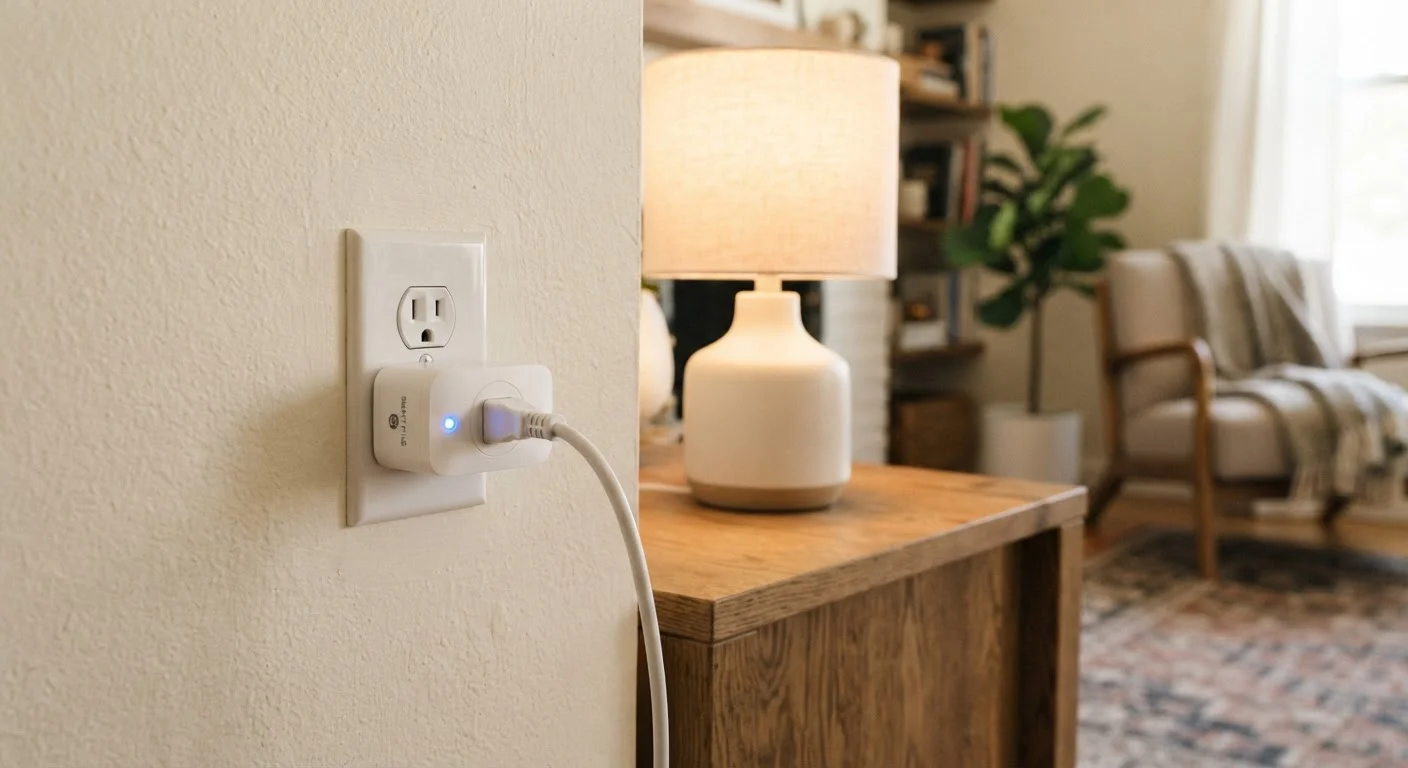
A smart plug is a small adapter that fits into a standard wall outlet and adds wireless connectivity to whatever device is plugged into it. Instead of manually switching a lamp or fan on and off, you can control it through a smartphone app, a voice assistant, or an automated schedule. No wiring, no electrician - just plug it in and connect it to your Wi-Fi network.
Most smart plugs communicate over 2.4 GHz Wi-Fi or Zigbee/Z-Wave mesh protocols. Some require a dedicated hub; others connect directly to your home router.
What a Smart Plug Actually Does
At its core, a smart plug is a relay - an electronically controlled switch that sits between your wall outlet and whatever device you've plugged into it. When you send a command (from an app, a schedule, or a voice assistant), the plug opens or closes that circuit, cutting or restoring power to your device.
The "smart" part comes from its wireless radio, which keeps the plug in constant communication with either your home Wi-Fi network or a dedicated hub. This is why smart plugs draw a small amount of power even when the connected device is off - they're always listening for instructions.
Beyond simple on/off control, many smart plugs include energy monitoring, which measures real-time wattage consumption. This feature turns a basic outlet into a diagnostic tool, helping you spot appliances that quietly drain power around the clock.
Check Wattage Ratings Before Use
Every smart plug has a maximum wattage rating, commonly printed on the device itself. Plugging in an appliance that exceeds this limit - such as a space heater or window air conditioner - can be a fire hazard. Always verify that your intended device's wattage falls within the plug's rated capacity before use.
Setting Up and Using a Smart Plug
Setup follows a consistent pattern across most products: download the manufacturer's app, plug the device into your outlet, and follow the pairing instructions - usually involving connecting the plug to your 2.4 GHz Wi-Fi network. The entire process typically takes under 10 minutes and requires no tools or electrical knowledge.
Once connected, you can control the plug directly from the app or integrate it with a broader smart home ecosystem. Scheduling is one of the most useful features: set a coffee maker to turn on before you wake up, or have holiday lights shut off automatically at midnight. Automation rules can also trigger based on conditions - for example, turning off a fan if a smart thermostat detects the room has cooled.
For a broader look at getting more value from connected devices, see commonly overlooked features on everyday gadgets.
Start With One or Two Devices
If you're new to smart plugs, connect them to devices you already switch on and off regularly - a lamp, a coffee maker, or a fan. Once you're comfortable with scheduling and app controls, expanding to more outlets becomes straightforward. Starting small also helps you assess whether the convenience matches your actual habits.
Energy Monitoring and Real-World Savings
Energy monitoring is one of the most practical - and underused - features of capable smart plugs. When a plug reports wattage in real time, you can see exactly how much power a device consumes while running, idling, or in standby mode.
5-10%
Share of home electricity from standby power
The U.S. Department of Energy estimates that standby power - sometimes called "vampire power" - accounts for roughly 5 to 10 percent of residential electricity use.
1-2W
Typical smart plug standby draw
Most Wi-Fi-connected smart plugs consume between 1 and 2 watts continuously to maintain their network connection, according to commonly published product specifications.
The data can be eye-opening. Entertainment centers, gaming consoles, and older televisions often consume meaningful power even when not actively in use. Putting these on a schedule or enabling automatic shutoff based on inactivity can reduce waste without any change to your daily habits.
It's worth noting that actual savings depend on your local electricity rate, how many devices you manage, and how consistently you use scheduling features. Smart plugs are a tool, not a guarantee - but they make the information visible in a way a standard outlet never could.
Privacy and Security Considerations
Because smart plugs are always-on, internet-connected devices, they carry the same privacy and security considerations as any connected gadget in your home. The plug communicates with cloud servers to process commands, which means data about when your devices are on or off passes through external systems.
Practically, this means a few things matter: keeping the plug's firmware updated (manufacturers issue patches for security vulnerabilities), using a strong, unique password on your home Wi-Fi network, and understanding what data the manufacturer's app collects. For a fuller picture of these tradeoffs, read about the costs of always-on connected devices before committing to a smart home setup.
Like any device in your home, smart plugs also benefit from basic care habits. Proper maintenance and handling can extend the life of connected hardware and reduce the chance of failure over time.