

Key Takeaways
- A locked phone is restricted to one carrier's network by software, not hardware.
- Carriers are generally required to unlock devices once eligibility conditions are met.
- Unlocking is most valuable when switching carriers or traveling internationally with a local SIM.
- The unlock process itself is free - you request it directly from your current carrier.
- Financed phones typically cannot be unlocked until the device is fully paid off.
What you will need
What 'Locked' and 'Unlocked' Actually Mean
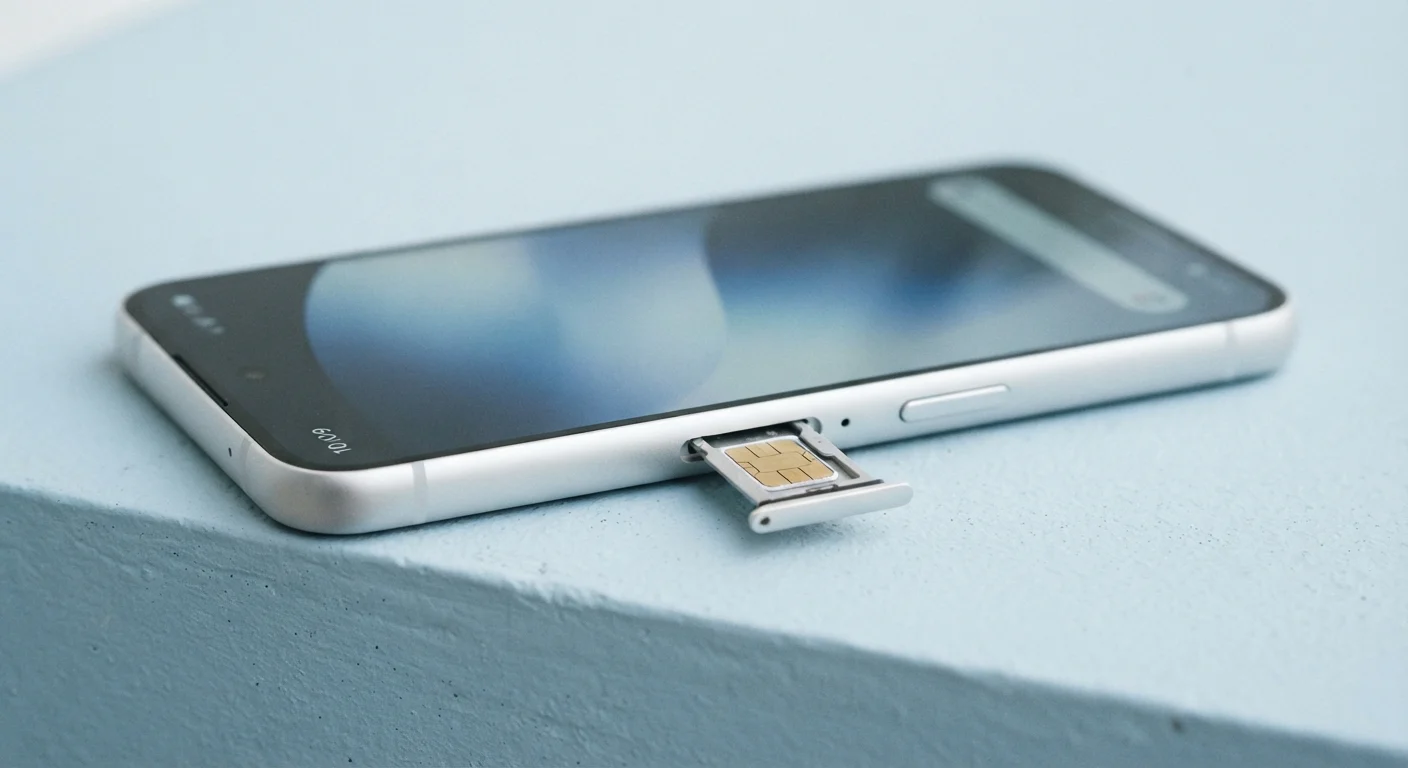
When a carrier sells you a phone - especially at a subsidized or installment price - they often install a software restriction called a carrier lock (sometimes called a SIM lock). This restriction means the phone will only accept SIM cards from that specific carrier or its network partners. Insert a SIM from a different carrier and the device will display an error or simply fail to connect.
This is purely a software setting, not a physical limitation. An unlocked phone, by contrast, is free of that restriction and can accept a SIM from any compatible carrier. Phones purchased at full retail price directly from a manufacturer are often sold unlocked by default, while phones bought through a carrier promotion or on a payment plan almost always start locked.
Understanding this distinction matters more than most people realize. As our guide to carrier jargon explains, the fine print on a phone plan can quietly commit you to conditions - including device locks - that limit your flexibility for months or even years.
When Unlocking Your Phone Actually Matters
For many people, a carrier lock is irrelevant day to day. But there are two situations where it becomes a real obstacle:
- Switching carriers: If you want to move to a different network - whether for better coverage, pricing, or service - a locked phone won't work on the new carrier's SIM. You'd either need to unlock the device or buy a new one.
- International travel: Roaming charges from U.S. carriers can be steep. Many travelers prefer to buy a local prepaid SIM at their destination for much lower rates. A locked phone makes that impossible. See our article on international roaming charges for context on just how costly roaming can be without an alternative SIM option.
Outside these scenarios, unlocking may still add resale value to a device, since an unlocked phone appeals to a broader pool of buyers.
Buying a Phone? Start Unlocked
If flexibility matters to you, consider purchasing a device at full price directly from the manufacturer - these are typically sold unlocked and compatible with any carrier's SIM. You pay more upfront, but you're never tied to a specific network from day one.
Eligibility: What Carriers Require Before They'll Unlock
Federal guidelines issued by the FCC, along with voluntary commitments from major U.S. carriers, establish baseline rules for when a carrier must unlock a device upon request. While specific policies vary by carrier, common eligibility requirements include:
- The device must be fully paid off - no remaining balance on an installment plan or lease.
- The account associated with the device must be in good standing (no unpaid bills or fraud flags).
- The phone must have been active on the carrier's network for a minimum period, often 40 to 60 days.
- The device must not be reported as lost or stolen.
If you're currently financing a phone, unlocking typically won't be possible until the last payment clears. Our guide to phone financing options explains the difference between installment plans, leases, and full-price purchases - and how each affects your flexibility.
Paying Off Your Phone Doesn't Always Trigger Automatic Unlocking
Most carriers will not automatically unlock your device once your installment plan ends - you still need to submit a request. Don't assume your phone is unlocked just because you've made the final payment. Always confirm by following the steps below or checking your carrier's unlock status tool.
How to Request an Unlock: Step by Step
The process is straightforward and costs nothing. Follow these steps to get your device unlocked through your carrier.
What you will need
Verify your eligibility
Before contacting your carrier, confirm you meet the basic requirements: the phone is paid off, your account has no outstanding balance, and the device has been active long enough to qualify. Check your carrier's unlock policy page - most major carriers publish their criteria clearly online.
Locate your IMEI number
Your IMEI (International Mobile Equipment Identity) is a unique 15-digit code that identifies your specific device. Dial *#06# from your phone's dialer to display it instantly, or find it in Settings > General > About (iPhone) or Settings > About Phone (Android). Have this number ready when you submit your unlock request.
Submit an unlock request to your carrier
Most carriers offer three ways to request an unlock: through their website or app, via live chat, or by calling customer service. Navigate to the unlock or device management section of your account and submit the request with your IMEI. Some carriers process requests automatically within minutes; others take up to two business days.
Follow the carrier's instructions to complete the unlock
After your request is approved, your carrier will send confirmation - usually by email or text. For many devices, the unlock activates automatically once the phone connects to Wi-Fi or your carrier's network. Some carriers may ask you to insert a non-carrier SIM, restart the device, or enter an unlock code provided in the confirmation message.
Confirm the unlock worked
To verify the unlock, power off your phone, insert a SIM card from a different carrier, and power it back on. If the device connects to that carrier's network and you can make a call or access data, the unlock was successful. If you see an error message, contact your original carrier to troubleshoot.
Once unlocked, your phone's status is permanent - you won't need to repeat the process. If you're planning to switch networks next, our article on switching carriers without losing your number walks through the full porting process. And if you haven't signed a new contract yet, review what to check before signing a phone contract - device lock terms are one of the key items to confirm upfront.